clapoint

Free replace audio in video tool · No sign-up

Replace Audio in Dance Videos with the Original Song

Use clapoint to replace audio in video without uploading your media. Add a dance video and the complete original song; the browser finds the matching passage, syncs audio and video, checks the finished MP4, and keeps every file on your device.

  • Replace audio in video free
  • No account required
  • Files stay on your device

Files to Replace Audio in Video

Dance video

Upload a dance video

MP4 / MOV · H.264 · up to 60 seconds · up to 50MB

Original song

Upload the original song

NCM / MP3 / M4A / AAC / WAV · up to 15 minutes · up to 50MB

Files are processed on this device and never uploaded. This page keeps them for no longer than one hour.

Local preview · standby

Your processed video will play here.

Finished video

Dance audio replacement

What You Need to Replace Audio in Video

A useful replace audio in video workflow needs two related inputs: the recorded dance clip and the complete original song that was playing during the recording. The clip can begin in the verse, chorus, bridge, or another distinctive point. clapoint searches the full track before it changes anything, then checks the timing again after the MP4 is built.

FRAME A
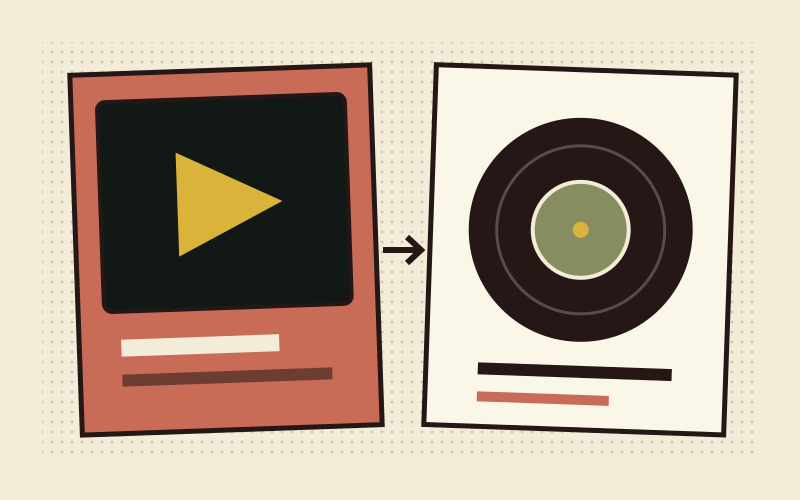
Retro diagram showing a dance video and complete original song as inputs for dance audio replacement

Dance video plus the complete original song

Keep the video’s recorded sound because it provides the evidence used to locate the right passage. Upload the same release, edit, or mix that played on set. A remix, live version, instrumental, pitch-shifted copy, or speed-altered track can have a different structure and may prevent clapoint from finding a trustworthy match when you replace audio in video.

FRAME B
Retro computer previewing a finished dance MP4 synced to the original song

A checked MP4 with the original song in sync

The result keeps the original picture stream when the H.264 input can be safely remuxed, places the matched song passage at the video’s first displayed frame, and encodes a new AAC audio track. You can preview the result before downloading it. If the evidence is weak or the completed file fails verification, the replace audio in video process stops without a download.

How to Replace Audio in Video in Four Steps

This is how to sync a dance video to the original song without identifying a timestamp or dragging a track on a timeline. The browser uses the sound already recorded in your video to find the related section inside the complete song, fine-aligns several points, and only then proceeds to replace audio in video.

1

Add the dance video

Choose an H.264 MP4 or MOV that is no longer than 60 seconds and no larger than 50MB. The clip must still contain audible recorded sound. That room recording can include speaker coloration, chatter, or crowd noise; it remains the query that lets clapoint replace audio in video at the correct musical position.

2

Add the complete original song

Choose the same full-length version that played during filming. MP3, M4A, AAC, WAV, and locally decoded NCM are accepted within the listed limits. Starting the clip halfway through a track is fine. Changing to a remix or a version with a different arrangement can make reliable audio and video sync impossible.

3

Find and fine-align the passage

clapoint searches the song, compares separated candidates, and checks the beginning, middle, and end of the video. Those checkpoints reveal offsets and timing drift. If the match is unique and remains within the video’s frame-based error budget, the browser can safely replace audio in video; uncertain evidence fails fast.

4

Preview and download the MP4

The browser trims the selected song passage, keeps the eligible H.264 picture stream, encodes AAC audio, and verifies the completed container and sync anchors. Play the result in the retro monitor before downloading. A download appears only after the replace audio in video result passes every required check.

Sync audio and video

How clapoint Can Replace Audio in Video and Keep It in Sync

A basic audio swap starts the new song at zero. clapoint first works out which part of the original song belongs to the recorded picture. Each stage has one job, and the replace audio in video pipeline stops whenever the evidence cannot support a reliable result.

Retro local workflow extracting recorded sound from a dance video

Read the sound recorded with the dance video

The browser decodes the video’s audio into one content timeline and derives the features used for matching. The file stays on your device. Room reflections, phone-microphone coloration, and live reactions can remain in the recording; the important requirement is that the original song is audible enough to compare. This evidence is why clapoint can replace audio in video even when the clip begins far from the start of the track.

Replace Audio in Video — Free

When to Replace Audio in Video with clapoint

The tool is designed for short dance recordings that captured the song through a room, speaker, or phone microphone. These examples show when dance audio replacement is useful, what input evidence it needs, and when a different version of the song should make the process stop.

Dance coversReplace audio in video when a phone recording has the right performance but muffled speaker sound.

Replace Audio in Video for Dance Covers

A cover filmed in a bedroom, practice room, studio, or outdoor space can preserve the performance while sounding distant, clipped, or full of room echo. Upload the complete original song that actually played during the take. clapoint can locate a clip that starts in the middle, sync audio and video across several checkpoints, and produce a cleaner publication copy without asking you to find the song timestamp by hand.

Works well for

Short solo or group covers with audible music in the camera recording, a normal playback speed, and a matching studio release. Use the preview to judge the final timing before you download the replace audio in video result.

Bring the right song

Choose the exact release used while filming. A dance-practice edit, clean version, sped-up trend audio, remix, or live arrangement may place beats and sections differently and should fail instead of producing a false sync.

Rehearsal and teachingAlign studio audio to video for demonstrations, formation reviews, and rehearsal notes without a timeline.

Align Studio Audio to Video for Rehearsal Review

Teachers and crews often record a useful run-through from the side of the room, then need a clear version for reviewing counts or sharing a demonstration. The video may cover only one section of a long song. clapoint uses the recorded playback to find that section, checks timing drift, and can replace audio in video while leaving the rehearsal picture untouched when the H.264 stream is eligible.

Useful workflow

Keep the camera audio in the source file, upload the complete song, and let clapoint align studio audio to video. Preview the result before using it in a class recap, private review, or choreography note.

Recording discipline

Play the track at normal speed without pausing, scrubbing, or jumping sections during the take. Those changes break one continuous time relationship and can prevent a reliable replace audio in video result.

Performances and short clipsReplace audio in video for a short stage or social clip when the original release matches the live playback.

Prepare a Clearer Performance or Social Clip

A stage-side camera may capture a strong visual moment with overloaded bass, crowd noise, or uneven volume. If the venue played the same original release you can provide, clapoint can search the complete song and make a checked dance audio replacement. Turn on live sound only when you want some applause, cheers, speech, or room response mixed back into the clear song.

Best fit

Use short H.264 clips with a continuous performance and recognizable music. The tool can replace audio in video locally, so the unreleased footage and the finished MP4 do not need to leave your device.

Important limit

A band performance, DJ transition, mashup, backing track, tempo change, or venue edit may differ from the commercial song. When structure or speed changes, clapoint should stop instead of forcing the original song onto the picture.

Features That Help Replace Audio in Video Reliably

The main interface stays simple while the browser handles the checks that make dance audio replacement useful. Each feature protects a specific part of the replace audio in video flow, from finding the passage to withholding a doubtful download.

Diagram locating the dance video passage anywhere in the original song01

Locate a passage anywhere in the song

Your dance video does not need to start on the first beat. clapoint searches the complete original song for a limited set of strong, separated candidates. This is the core difference between a timed dance audio replacement and a basic tool that simply starts a new track at zero when it tries to replace audio in video.

Three-point timeline used to sync audio and video for a dance clip02

Fine-align and check timing drift

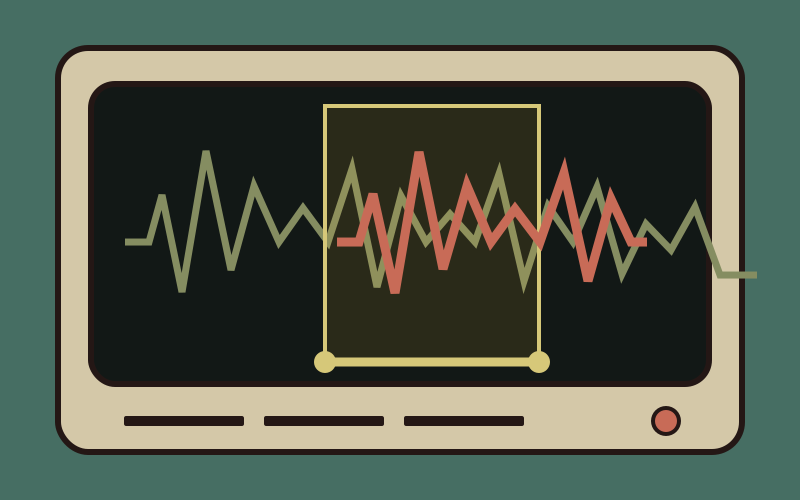
The beginning, middle, and end contribute to one timing relationship. That lets clapoint sync audio and video while detecting gradual drift, pauses, or speed changes that a single start marker would miss. The accepted tolerance follows the source video’s frame timing rather than a fixed marketing claim.

Retro result monitor showing a stopped low-confidence audio match03

Stop low-confidence output

Repeated song sections, weak camera audio, inconsistent timing, or a failed finished-file check can all block the download. clapoint will not replace audio in video and present it as complete when the available evidence cannot distinguish the passage or support the final synchronization.

Dance video and original song remaining on a local browser device04

Replace Audio in Video Locally

The video, original song, decoded audio, matcher data, FFmpeg files, and output Blob stay on the current device. No account is required and the page clears its retained input and result references within one hour. You can replace audio in video without sending personal rehearsal or performance footage to a media server.

Retro computer previewing an MP4 that keeps its original video stream05

Preserve the eligible video stream

For a supported H.264 MP4 or MOV, clapoint shifts and remuxes the existing picture stream while creating a new AAC audio track. This avoids an unnecessary picture re-encode in the supported path. The page describes this condition clearly and does not label every possible input as lossless.

Calibrated mix of crowd reactions and original music in a dance video06

Optionally keep live reactions

Leave live sound off for a clean original-song result, or enable it to mix back a controlled amount of cheers, claps, speech, and room feedback. This optional path uses the same verified timing. It does not promise perfect music removal, separate controls for every sound, or a studio stem extraction.

Why Replace Audio in Video with clapoint

clapoint focuses on one precise dance audio replacement problem: the video contains only a short passage, and the user has the complete matching song. The product combines automatic location, frame-aware alignment, local processing, and a final verification gate.

01

Start from any recognizable passage

You do not need to calculate where a chorus or verse starts. The recorded camera audio acts as the query. That makes it practical to replace audio in video for clips captured spontaneously or trimmed before they reached clapoint.

02

Replace Audio in Video without a Timeline

A traditional editor asks you to line up waveforms and nudge a track frame by frame. clapoint automates the location and alignment checks for this defined workflow, while still giving you a finished preview before you accept the result.

03

Check the whole passage relationship

A good first beat cannot prove the rest of a clip remains synchronized. clapoint compares the beginning, middle, and end so the replace audio in video decision includes evidence about drift across the complete dance passage.

04

Fail clearly when the match is doubtful

The page explains whether it needs a clearer recording, a longer passage, the matching song version, normal playback speed, or more available device memory. An uncertain match does not quietly become a downloadable MP4.

05

Keep private footage on your device

There is no sign-up and no user-media upload. Browser Workers and WebAssembly perform the replace audio in video job locally, then the page releases input and result references after one hour or when the page closes.

06

Preview the Replace Audio in Video Result

The retro computer contains a native video player with no visual filter on the finished picture. Watch the lips, steps, landings, and musical accents, compare them with the original performance, and download only after the sync looks right to you.

Replace Audio in Video FAQ

Direct answers about dance audio replacement, the original-song requirement, local privacy, file limits, synchronization checks, live sound, and the cases that should stop instead of producing a doubtful video.

Final cut / take yours

Ready to Replace Audio in Video?

Open the free workspace above, add your dance video and complete original song, and let clapoint locate, align, replace, and verify the audio locally. No account, cloud upload, or manual timeline is required, and you can preview the finished MP4 before downloading it.

Replace Audio in Video — Free
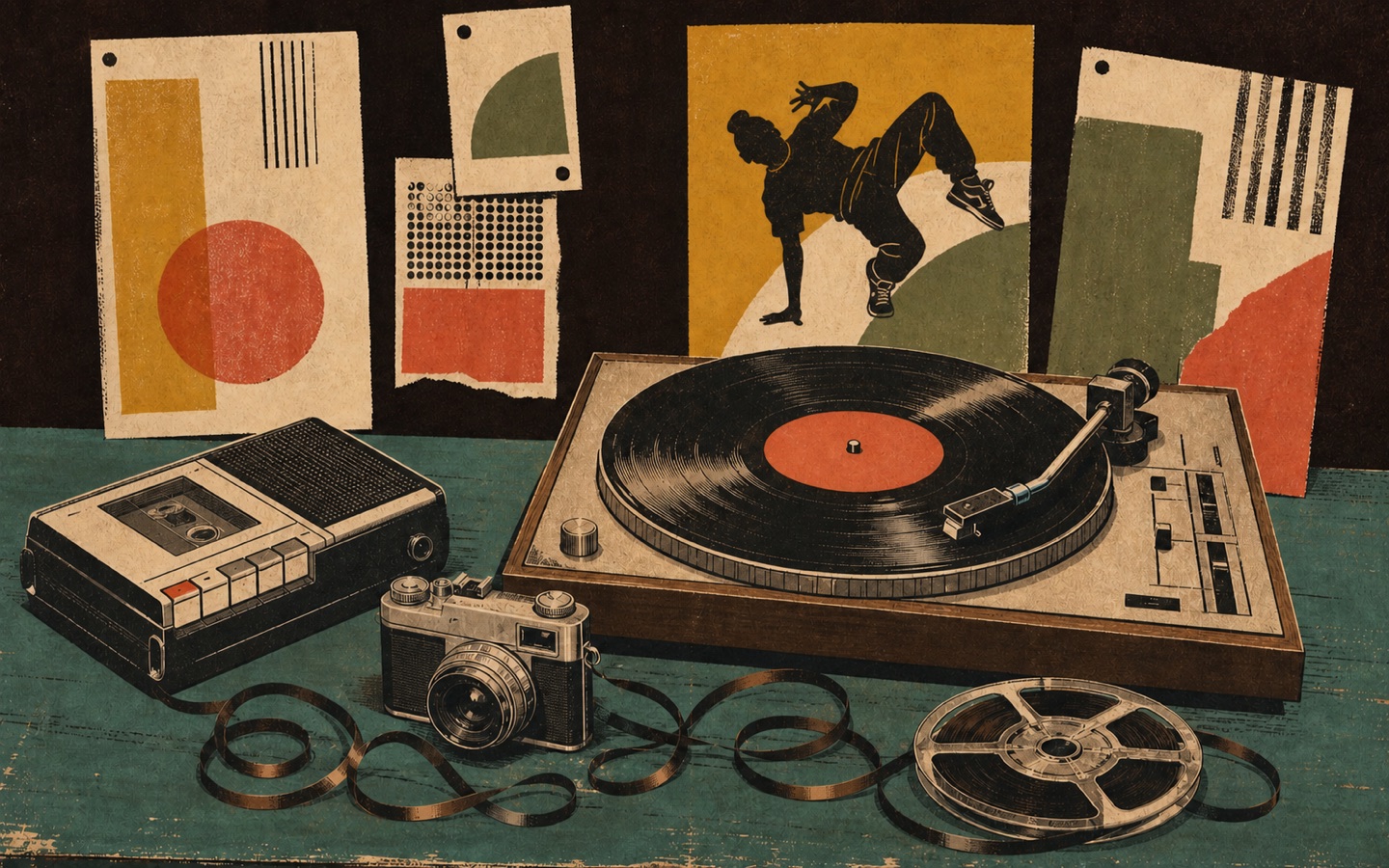
Retro hip-hop media desk with a dancer poster, turntable, recorder, camera, and film reels for dance audio replacement